How it works
A quiet hand
in a noisy barnyard.
Brood watches who writes to you and how often, proposes where their mail should live, and files nothing until you say so. Then it keeps watch for the mail that should come back to you.
Watching
It watches who writes to you.
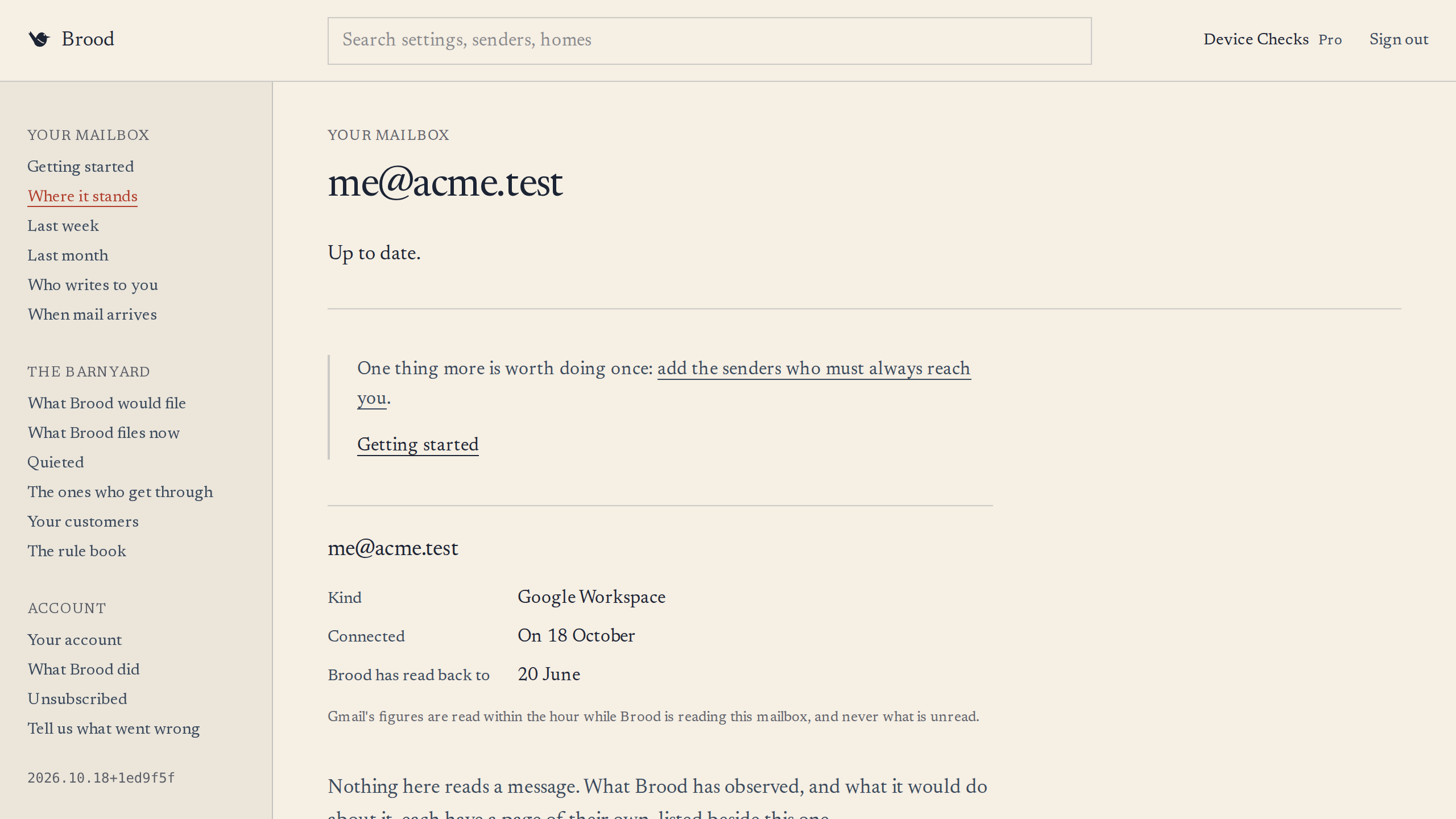
Connect a Gmail mailbox and Brood begins, quietly. It reads the metadata of the mail you get and the mail you send: who wrote, when, from which domain, and who you write to. Not the subject line, which is never requested, and never the body: Brood holds the permission that filing mail requires, and never uses it to read.
First it reads the last 30 days, which is what its proposals rest on. On Pro it then reads further back, to 120 days, and keeps up with each message as it arrives.
What Brood sees
- The sender's name, email and domain
- The date and time received
- How many people it was sent to
- Who you write to, from the To and Cc of mail you send, never its Bcc
- Which addresses you send from
- Existing labels on the message
- Whether it's a reply or a thread
- Whether a mailing offers a one-click unsubscribe, and whether Gmail confirmed its sender signed that offer
- How many messages your mailbox and its labels hold, never how many are unread, and how far back it goes
What Brood never sees
- The subject line of any message
- The body of any message
- Attachments of any kind
- Anything you've drafted but not sent
- Anything in Drive, Calendar, Meet, or Contacts
- Anything we'd use to train a model
The code that reads your Gmail is public, with the check that holds it to metadata, at github.com/Noisy-Brood/what-brood-reads.
Read it and you can see that every request able to return a message body asks for metadata instead, with a list of headers that leaves out the subject line.
It shows what we wrote, not what is running on the day you read it. And that no other part of Brood calls Gmail is checked on every change, over source that is not published, so for that half you have our word.
Giving mail a home
It proposes where their mail should live.
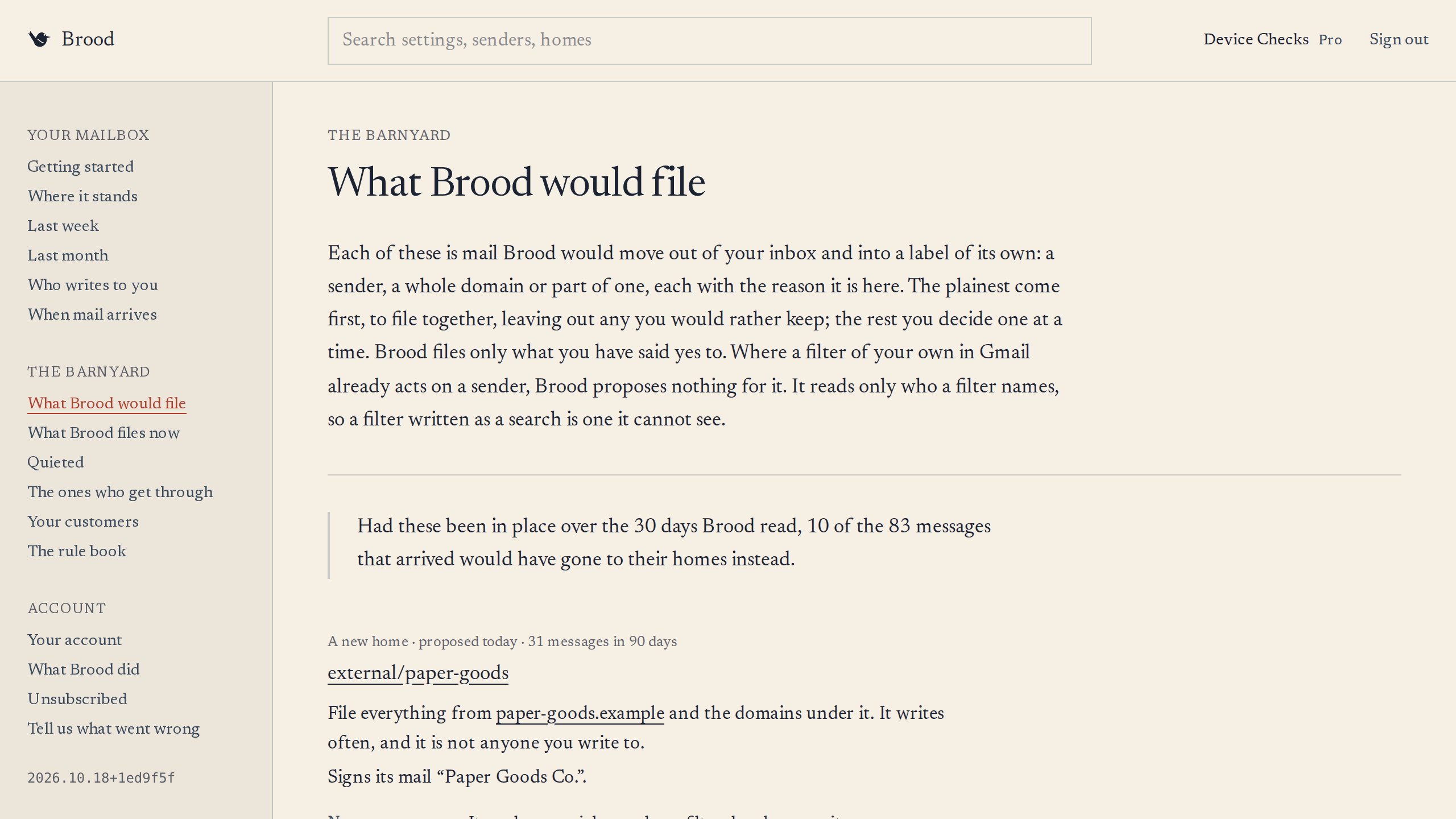
When one domain sends you 10 or more messages in 30 days, Brood proposes a home for it: a label of its own in Gmail, such as brood/ext/stripe. When 3 or more parts of one domain each do that, each gets a home within it.
It leaves some senders alone however often they write: the ones who must always reach you, anyone you write to, and your colleagues writing from your own work domain.
Nothing is filed until you say so. The clear cases are offered together, to file in one action, and you can leave out any you like; the rest come one at a time. A sender you decline is not proposed again.
It also notices who you write to and hear back from, and suggests them as customers. Confirm one, and Brood proposes a home for its mail too, which you confirm on its own.
Taking it out of view
It files what you confirm, before it reaches you.
Once you confirm a home, Brood files what is already there under its label and writes a filter in Gmail for what comes next, so new mail is filed as it arrives, before it reaches your inbox.
When a sender has not written for 60 days, Brood quiets its home: it moves the label under brood/quieted, and lists it on its Quieted page. Brood decides that on its own, and nothing is deleted: quieted mail is still in Gmail, still searchable.
If you move a sender's mail back out of its home 3 times in a row, Brood takes the hint. It removes the filter, and what was already filed stays where it is.
On Pro, where a mailing offers a one-click unsubscribe, Brood can ask the sender to stop, and tells you later whether it did.
Bringing back what matters
It brings back what now matters.
A filed message comes back to your inbox when it replies in a conversation you wrote in within the last 7 days, or when a customer writes after 30 days of silence, the first time only.
When a quieted sender writes again, the first message comes back too, and Brood asks whether to wake the home. Anything more is filed there until you answer.
The ones who get through
And it brings back what should never have left.
Some mail must always reach you: a password reset, a sign-in code, a fraud alert. Brood keeps a list of who always gets through. It starts with a few senders known to send security alerts, such as Google's account alerts and GitHub's security alerts, and you add your own: an address, a domain, a pattern, or an address copied on a message.
Every filter Brood writes leaves them out, and if one of their messages is filed anyway, Brood puts it back in your inbox. That is on every plan, free or not: safety is not a feature to sell.
What it tells you
Brood says what it did in sentences about weeks and months that have ended: how much arrived, and how much never needed you. Never a running count to come back and check. Every change it makes in your mailbox is recorded, with when and why, and the record downloads. So do the filters it wrote, as Gmail's own file, to make again in any Gmail.
Undoing it
Any home Brood files can be undone in one action. The filter comes out, the mail comes back to your inbox, and the sender is not filed again.
Free, and Pro
Brood starts with an audit. On Free it reads your last 30 days once, shows you who writes and what it would file, and changes nothing in your mailbox. Filing, quieting and keeping up are Pro, and a 30-day trial of Pro asks for no card. Prices come when Pro is offered to everyone.
Not open to everyone yet.
Leave an address and we will write when Brood can take you.